
Five powerful no-code tools for your front end

By
Gijs van Lith
on
-
-
Discover the five no-code front-end tools that take digital development to the next level: Bubble, Webflow, Retool, Flutterflow, and Softr. Each of these platforms offers unique opportunities to streamline the design and development of web and mobile applications, suitable for beginners and experienced developers alike. Dive into the world of these innovative tools with us and find out how they can take your projects to the next level.
What is a front end?
Front-end refers to the interactive part of an application, including everything that the user sees and can interact with on a web application. A web application consists of both a front-end and a back-end. Traditional front-end development can be time-consuming due to manual code writing. Fortunately, front-end no-code tools are now available that allow you to build applications much faster without having to write code. Find out which front-end tools are best suited to your needs below.
An overview of the five no-code front-end tools
- Bubble
- Webflow
- Retool
- Flutter flow
- Softr
1. Bubble
Bubble transforms the web application development process by providing a user-friendly platform that enables both beginners and seasoned designers to create complex web applications. It combines visual design tools with advanced database technologies, making Bubble a versatile solution that simplifies web application development and makes it accessible to a wide audience.

The benefits of Bubble
Bubble's strength lies in its flexibility, which allows you to develop a variety of applications, ranging from online marketplaces and portals to social platforms, all at lightning speed. The unique feature of Bubble is its high level of personalization. With an extensive selection of plug-ins and the ability to design your own functions, Bubble offers you the freedom to build the application that perfectly matches your vision.
Bubble's features
Bubble's drag-and-drop interface transforms the way users design web pages, allowing them to effortlessly place and modify elements. And this is just the beginning. Within this platform, users can also set up and manage an entire database directly, so that the need for external systems is not always necessary. But Bubble's power doesn't stop there, thanks to the ability for API integrations, users can easily connect their applications to a wide range of other tools, making the possibilities endless. In addition, Bubble's responsive design tools ensure that the built web applications not only look good on desktops, but also look great on tablets and smartphones, which is essential in our mobile-driven world.
Who is Bubble suitable for?
Bubble is suitable for a wide range of users - from self-employed people who want to launch their first product, to large enterprises looking for a flexible solution for their software needs. It is ideal for projects that require a high degree of customization and integration.
Price
Bubble offers various price packages starting at $29 a month. Fees vary depending on the number of concurrent users, storage requirements, and other advanced features.
2. Web flow
Webflow is known as a leading tool for developing professional websites, allowing users to create visually impressive and dynamic websites. This intuitive tool makes building responsive websites easier and is perfect for both web design beginners and experienced professionals.
The benefits of Webflow
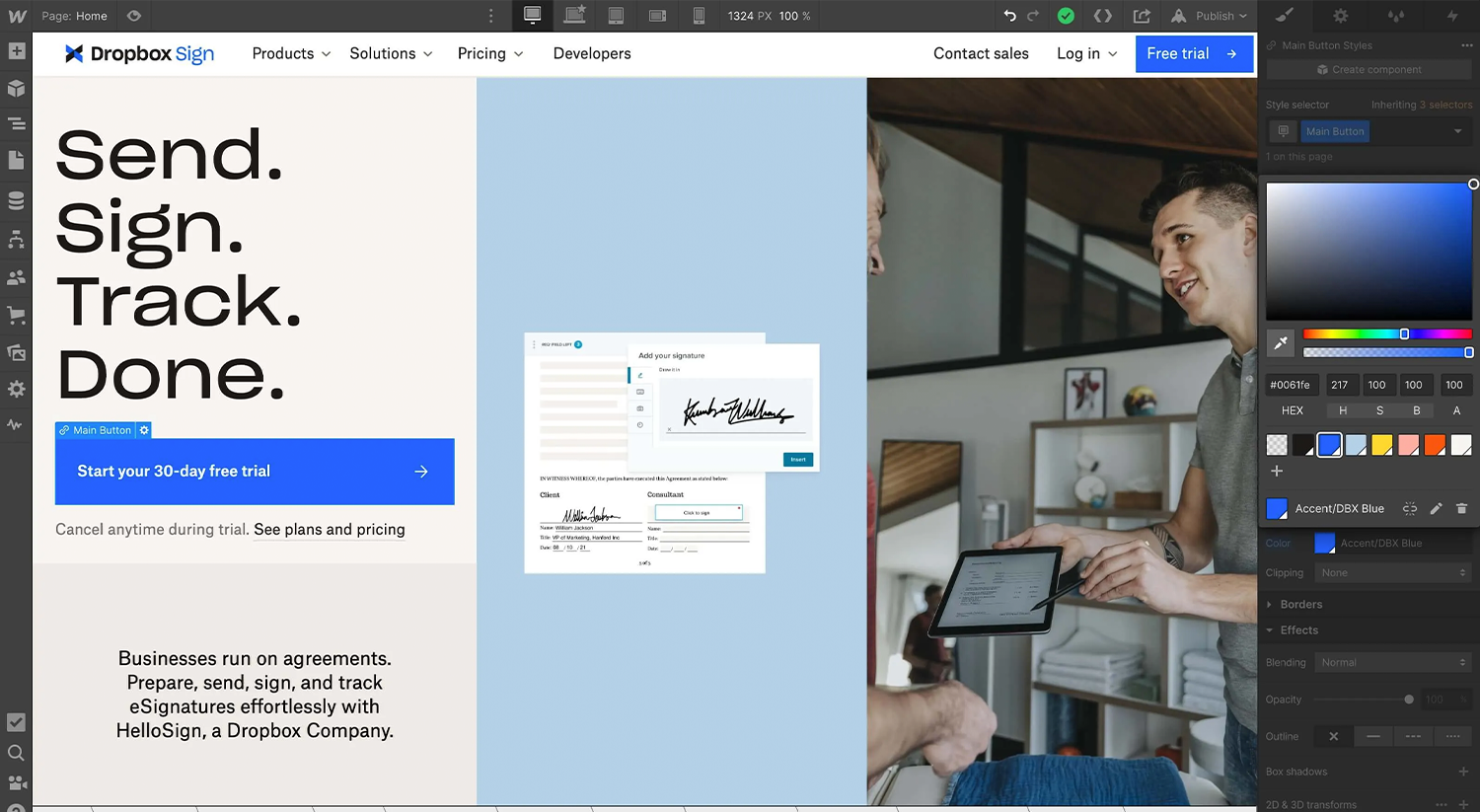
With the power of Webflow, you can build from simple landing pages to complex e-commerce websites. Thanks to Webflow's visual interface, you can see how your design translates in real time, providing a fast and intuitive design experience. In addition, the freedom that Webflow offers in terms of design is unparalleled. Whether you want to start from a blank canvas or use their extensive template library, with Webflow, the design possibilities are endless.
Webflow's features
Webflow stands out with its visual CSS editor, which allows you to create responsive designs without using code, going beyond many traditional website builders. In addition, the platform offers advanced CMS functionalities, allowing users to integrate and manage dynamic content without having to rely on external systems. For e-commerce, Webflow offers tools for setting up customized online stores, supported by various payment integrations. In addition, Webflow's API integration facilitates effortless connections to other tools and services, further expanding your website's capabilities.
Who is Webflow for?
Webflow is ideal for designers who want full control over the design of their websites, free from the restrictions often associated with traditional web development tools. It's perfect for freelancers who want to create a nice portfolio and for agencies who want to build custom websites for their clients. With its scalability, Webflow can meet the diverse requirements of a broad spectrum of users.
Price
Webflow offers various pricing models on, with plans that vary depending on hosting needs and additional features. They have various site and account plans, with prices starting at 14 dollars a month for basic websites.
3. Retool
Retool is at the forefront of building powerful internal tools, it enables users to develop customized tools visually and attractively. This user-friendly tool makes it easier to create customized internal systems, although some technical knowledge is required due to the slightly steeper learning curve.
The benefits of Retool
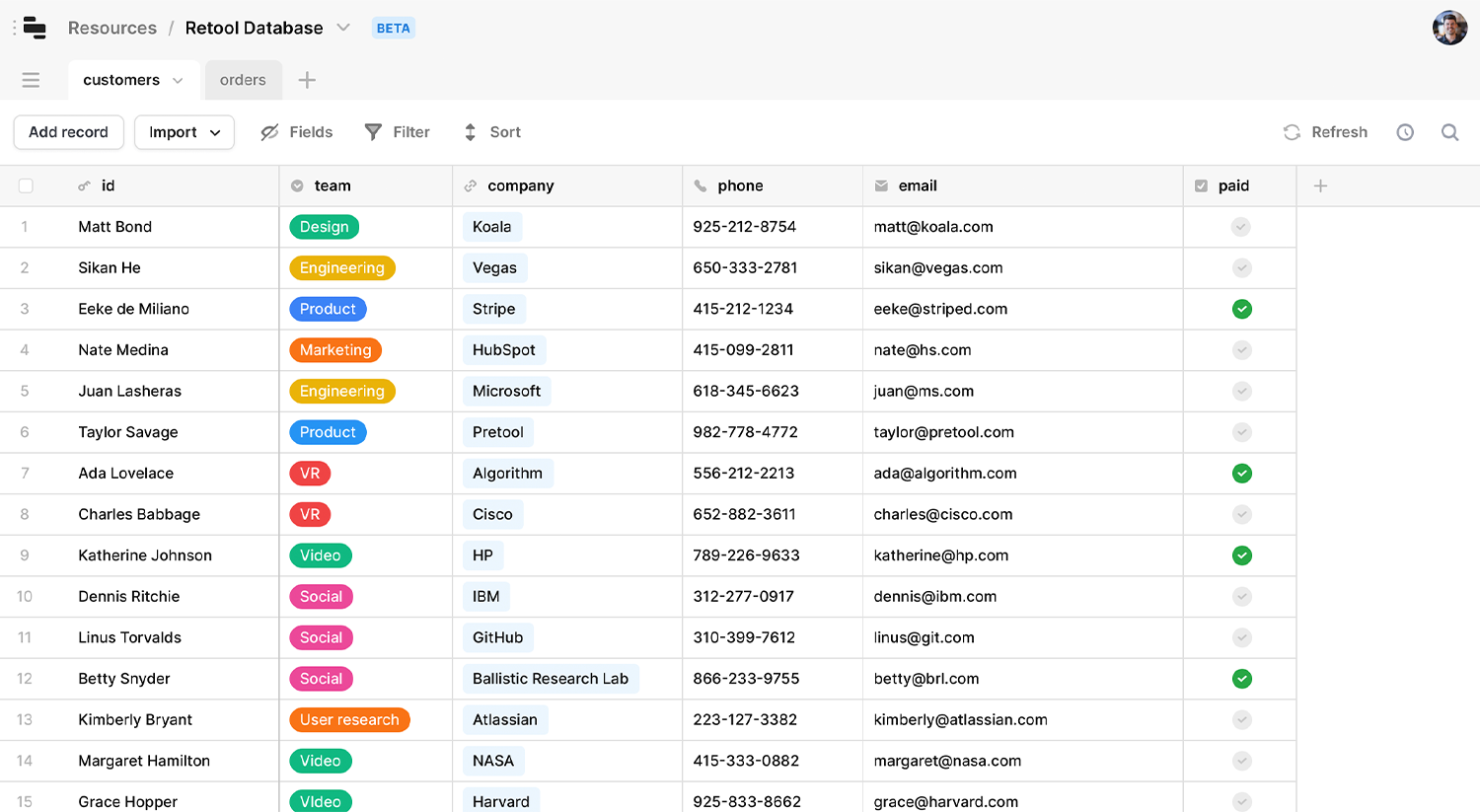
Retool allows you to build complex, customized internal tools, even for projects that process large amounts of data. Thanks to the visual interface, you can follow the development of your tool live. Retool also offers a high level of design flexibility; whether you want to start from scratch or opt for their extensive collection of templates, the design options are practically endless.
Retool's features
Retool's strength lies in its visual CSS builder, which lets you create responsive designs. This platform goes beyond many other Front-end tools. Retool offers content management (CMS) capabilities, allowing users to add and manage dynamic content without being dependent on external systems. In addition, Retool's API integration makes it easy to connect to other tools and services.
Who is Retool for?
Retool is the perfect choice for experienced developers and teams who want full control over the development of internal tools, without the limitations of traditional development processes. Whether you're an individual developer who wants to create customized tools or part of a team that develops internal tools for organizations, this platform is scalable and meets the diverse needs of users.
Price
Retool offers various pricing models that are flexibly adjustable, varying based on hosting requirements and additional features. Within Retool's offerings are various plans with prices starting at 10 dollars per month per user. For the most current prices, visit the website of retool.
4. Flutter flow
Flutter flow offers an innovative approach to app development that allows users to create personalized apps in a visual way. This user-friendly tool simplifies the app development process, suitable for beginners and experienced developers alike.
The benefits of Flutterflow
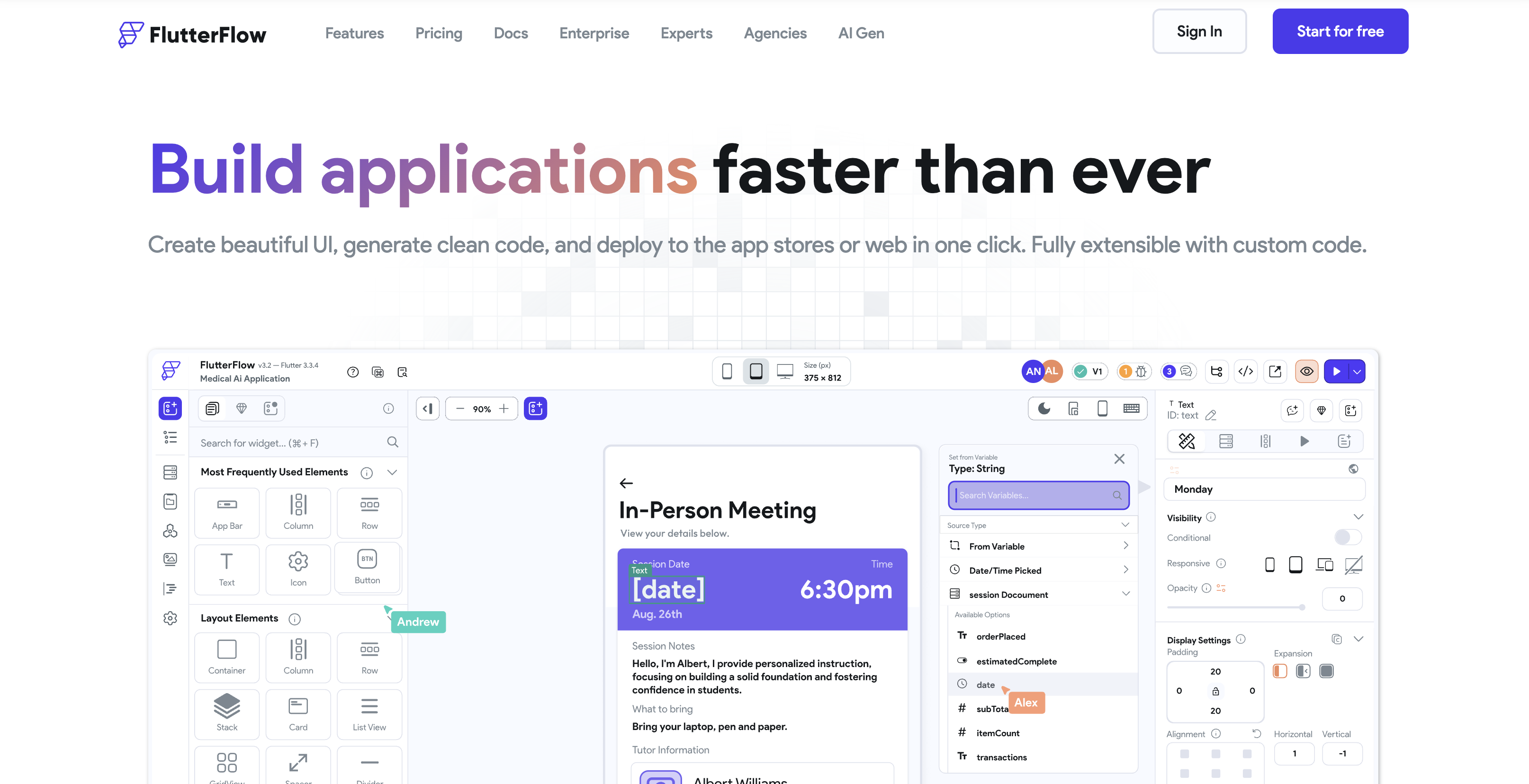
Flutterflow stands out with its flexibility, allowing you to develop a wide range of apps. In addition to its versatility, the platform also offers significant time savings for developers by accelerating the development process from concept phase to product launch. Plus, Flutterflow makes API integrations easy, allowing you to effortlessly connect external services and data to your app. This, combined with the platform's extensive customizability, allows you to fully personalize your apps as you wish.
Flutterflow's features
Flutterflow's drag-and-drop interface changes how users can develop apps, allowing them to add and modify elements effortlessly. Users can directly integrate their data sources via APIs, ensuring a seamless connection to external data. Advanced responsive design options ensure that apps look perfect on all devices, from desktops to mobile devices.
Who is Flutterflow for?
Flutterflow is versatile and fits a diverse audience, from beginners who want to develop their first app to large companies that need customizable software solutions. This platform is particularly strong in projects that require in-depth personalization and integration with other systems.
Price
Flutterflow uses various price plans starting at $30 a month. Plans vary based on concurrent users, storage needs, and other advanced features. For the most current prices, check the prices on the Flutterflow site.
5.1 Soft
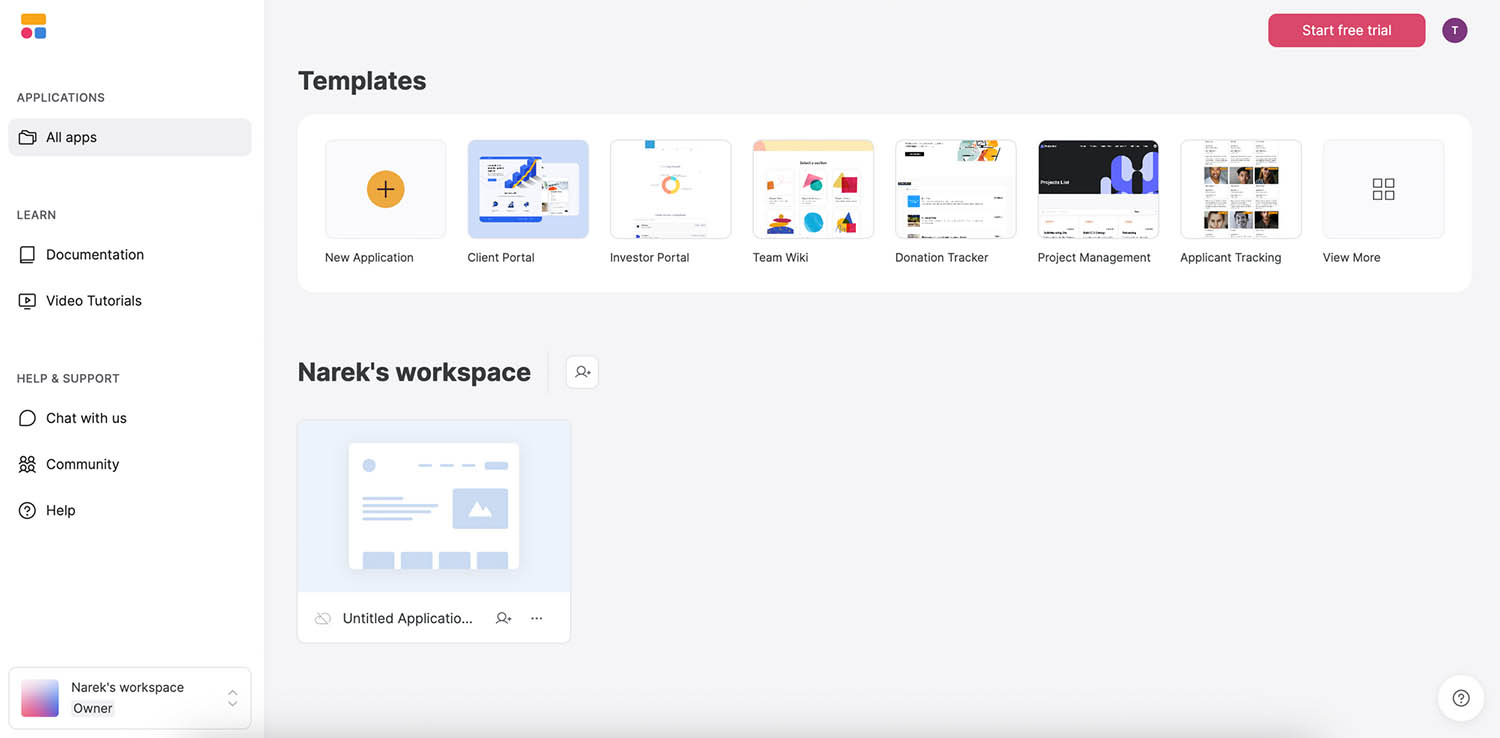
Softr is an application development tool that allows users to create personalized apps in a visually appealing way. Thanks to the intuitive nature of the tool, the app development process is simplified.
The benefits of Softr
Softr makes it possible to design apps entirely as you see fit. Thanks to the user-friendly interface, you can monitor the progress of your app in real time. In addition, Softr offers a great deal of design freedom, whether you want to start with a blank canvas or prefer ready-made templates. With Softr, you have the space to be creative and fully adapt your design to your needs.
Softr's features
Softr interface transforms the app development approach for users, allowing them to modify and add elements with ease. Within this tool, users can effortlessly integrate with an external API. In addition, Softr's responsive design features ensure good looks not only on desktop, but also on tablets and mobile devices.
Who is Softr suitable for?
Softr is suitable for a wide audience, including individuals who want to build their first app or large companies that need software solutions. The platform excels particularly where simple construction processes are required.
Price
Softr offers various pricing models, with the entry price of 49 dollars. Costs vary depending on factors such as storage needs and additional advanced features. For the most current prices, please visit the Softr website
Need help choosing between Front-end tools?
Schedule an introduction and we'll be happy to advise you on the possibilities of Front-end tools that suit your business.